Why rollouts fail and pilots work
The classic failed rollout looks like this: a tool is chosen, everyone is told to use it from Monday, the old spreadsheet stays open 'just in case', and six weeks later the team has quietly returned to the old way while the subscription keeps billing. The failure is rarely the tool. It is the rollout — all-at-once adoption gives nobody room to find problems while they are still cheap to fix.
A pilot inverts this. A small slice of real work moves to the new system for a fixed period, with a named owner and a written definition of success. At the end there is a decision: expand, adjust, or stop. The stakes stay low, the feedback is real because the work is real, and — critically — stopping is a legitimate outcome rather than an admission of failure. Teams that know they can say no give far more honest feedback than teams told the decision is already made.
Design the slice carefully
The most important pilot decision is what slice of work to move. Too small or too artificial, and the pilot proves nothing — a test with fake data and one enthusiastic volunteer always succeeds. Too large, and you have done a risky rollout and called it a pilot.
A good slice is real, bounded, and representative: real customers or real jobs, a natural boundary that limits blast radius, and enough variety to meet the awkward cases. For a booking system, that might be one location or one service category. For an intake tool, every new client for three weeks. For an internal tracker, one team's active jobs. If the slice cannot hit at least a handful of the messy exceptions — the reschedules, the partial payments, the customer who replies by phone — widen it until it can.
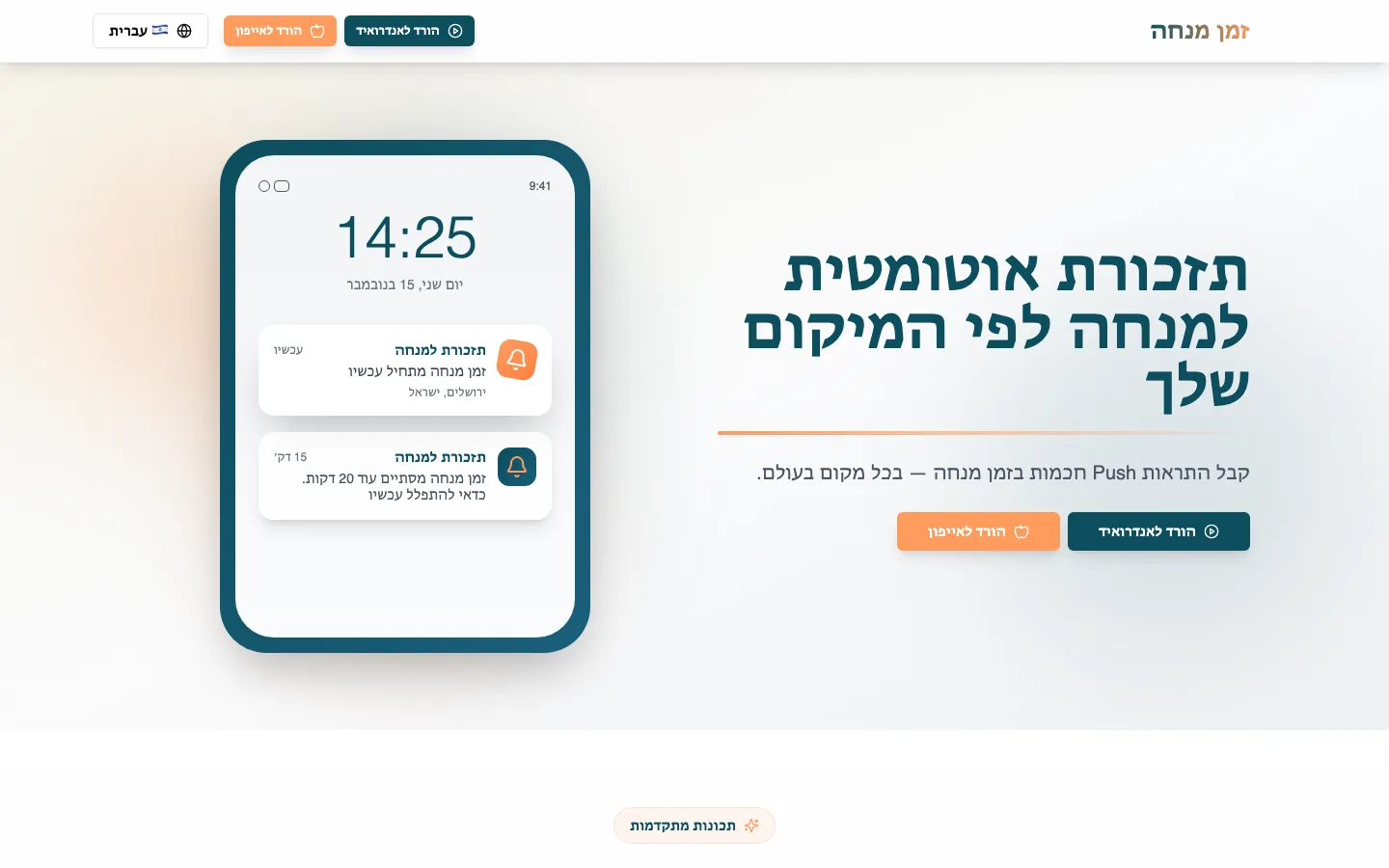 Real build exampleHow Mincha Time stayed small enough to ship in a monthThe first version did one loop — location, zman calculation, reminder — and shipped in about a month. That deliberately narrow slice is what made the pilot readable: it either reminded people on time or it didn't.Built in about 1 month · live at mincha-time.com
Real
Live work with real consequences, not a sandbox. Sandboxes are for training, not for deciding.
Bounded
A natural limit — one location, one team, one service — so problems stay small and reversible.
Representative
Enough volume and variety to surface the exceptions, because the exceptions are what kill tools after rollout.
Write the success criteria before day one
A pilot without written success criteria produces a feeling, not a decision — and the loudest voice in the room becomes the verdict. Before the pilot starts, write down two or three measurable outcomes and collect their current values. If nobody knows the current no-show rate or how long intake takes today, measuring that baseline is the first week of the pilot.
Good criteria are boring and specific: intake time per client drops from twenty minutes to under ten; double-bookings hit zero for the pilot slice; the team stops using the old spreadsheet for pilot jobs without being reminded. That last kind — a behavior, not a number — is often the most telling. People route around tools they distrust, so voluntary adoption is the strongest signal a pilot can produce.
Run it: two roles and a weekly rhythm
A pilot needs two named people. The owner is someone on the team who runs the pilot day to day, collects friction, and has the authority to pause it if something threatens real customers. The fixer is whoever can change the system quickly — a developer, the vendor, or whoever configured the tool. The single biggest predictor of a useful pilot is the speed of the loop between these two: friction reported on Tuesday and fixed by Thursday builds trust; friction that sits for three weeks teaches the team the tool cannot be influenced, and they stop reporting.
Keep the ceremony light. A shared friction list anyone can add to, a fifteen-minute weekly review of what was added and what was fixed, and a rule that during the pilot, pilot work happens only in the new system — running both systems in parallel for the same jobs doubles the work and guarantees resentment. Expect week one to be slower than the old way. Note it, tell the team it is expected, and measure the trend rather than the first impression.
Decide like you said you would
At the end of the period, hold the decision meeting the pilot was pointed at. Three outcomes are on the table. Expand: the criteria were met, so widen the slice — the next location, the next team — reusing the same pilot discipline at each step. Adjust: the idea works but something specific does not; fix that one thing and extend the pilot briefly. Stop: the criteria were not met and the fixes are not small. Stopping after three weeks and a modest cost is a success of the process — the same discovery after a full rollout would have cost ten times more.
Whatever the outcome, write down three sentences: what was tested, what happened, what was decided. This tiny document is disproportionately valuable — it stops the same tool being re-proposed next year on enthusiasm alone, and it turns each pilot into organizational memory instead of a forgotten experiment.
Frequently asked questions
How long should a pilot run?
Long enough to cover a few full cycles of the workflow, including the exceptions — for most operational tools that is two to four weeks. Shorter tests measure first impressions, not fit. If a tool needs three months to show value, that is worth knowing, but structure it as staged pilots with checkpoints rather than one long leap of faith.
Should we pilot two competing tools at once?
Sequentially, not simultaneously. Splitting the team across two tools halves the signal from each and doubles the confusion. Pick the likelier candidate, pilot it properly, and keep the runner-up as the next pilot if the first one stops.
What if the team resists using the new system at all?
Treat resistance as data. It usually means the tool adds work for the people using it while the benefit lands elsewhere — the classic reason systems die after rollout. Ask what the tool costs them per task, fix that if you can, and if you cannot, the pilot has answered the question honestly.
About the author
Ohad Mayrom — Founder, WizeApps
Ohad Mayrom is the founder of WizeApps, where he designs and builds booking systems, client intake flows, internal operations tools, and MVPs for small businesses and early-stage founders. He writes plain-language guides to help non-technical owners commission software with confidence.
Connect on LinkedInKeep reading
Thinking about building this?
Tell us what is not working yet. A few clear examples of the current workflow are enough to start a useful conversation.
Start a conversation