Why most booking automation projects disappoint
Most booking tools fail for the same reason: they automate the booking form but ignore everything that happens around it. The form is the easy part. The hard part is the messy human layer — the customer who replies "can we do an hour later?", the staff member who already promised that slot in person, the deposit that needs refunding, the regular who always books by phone and refuses to use a link.
When a system copies the current mess into software without rethinking it, you end up paying for a tool that staff quietly route around. The phone keeps ringing, the spreadsheet stays open in another tab, and nobody trusts the calendar. The checklist below is designed to surface those edge cases before you build, so the system handles real life and not just the happy path.
Map the real decision points first
Before choosing any tool, write down every moment where a person currently makes a judgment call. These decision points are the actual logic of your business, and they are usually invisible until you list them. A booking is not one action — it is a chain of small decisions, and each one is a place where automation either helps or gets in the way.
Once these are written down, most teams discover that 80% of bookings follow the same simple path and only 20% need a human. That ratio is the whole opportunity: automate the 80%, route the 20% to a person with full context.
Accepting a request
Is every request auto-accepted, or do some need approval (new customers, large groups, specific services)?
Asking for more detail
What information must you collect before a booking is useful — party size, reason for visit, address, vehicle, file upload?
Moving or cancelling
Who is allowed to reschedule, how late, and what happens to a deposit when they do?
Handling no-shows
How is a no-show recorded, and does it change anything for that customer next time?
Decide what runs without any staff involvement
A good booking flow should handle the predictable steps on its own: confirming the slot, writing it to the calendar, sending a reminder before the appointment, offering a self-service cancellation or reschedule link, and alerting a staff member only when something genuinely needs a human.
The goal is not to remove people from the relationship. It is to stop spending people on repetitive reminders when they could be helping customers in front of them. A useful test: for each step, ask "if this happened at 2am with nobody watching, would the right thing still happen?" If yes, automate it. If no, that step is a decision point that belongs to a person.
Plan the reminder rhythm carefully
Reminders are where booking automation earns its keep — and where it most often annoys people. Too few reminders and no-shows stay high. Too many and customers feel spammed and start ignoring all of them. The right rhythm depends on how far in advance people book and how costly a no-show is.
As a starting point, an immediate confirmation plus one reminder 24 hours before the appointment covers most service businesses. Add a second, shorter reminder a few hours before only if no-shows remain a real problem. Always give people a one-tap way to cancel inside the reminder — a cancelled slot you can refill is far better than a silent no-show.
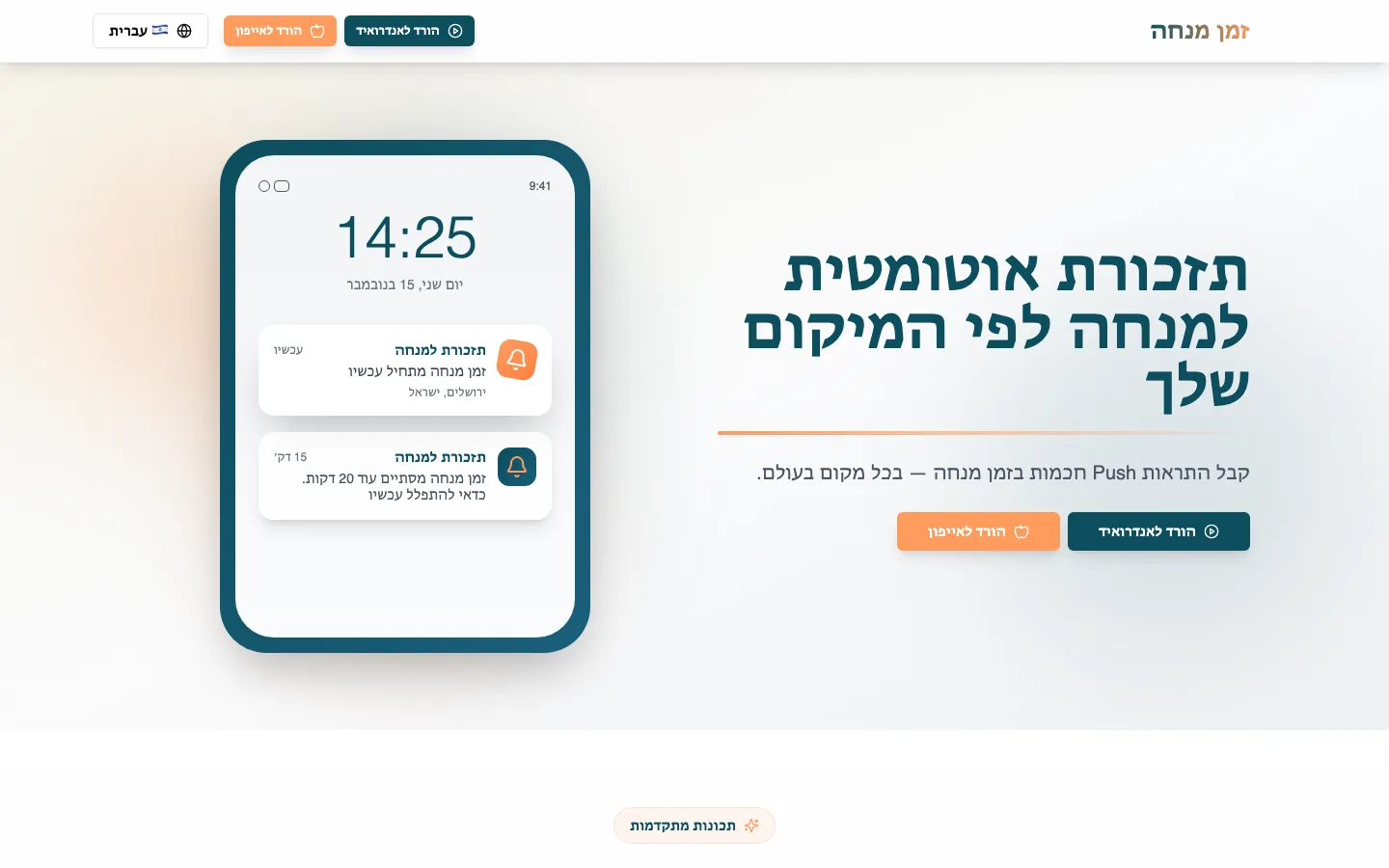 Real build exampleHow Mincha Time sends each user a reminder at their own minuteThe reminder rhythm above is not theory — Mincha Time runs it in production, scheduling per-user reminders with Firestore time buckets and a once-a-minute check instead of a heavy queue.Built in about 1 month · live at mincha-time.com
Keep the first version deliberately narrow
The fastest way to never launch is to try to support every service, location, and special case at once. The first version should usually cover one location, one category of service, and one reminder pattern. Run it for a few weeks, watch where staff still step in, and let that evidence decide what to build next.
Once the team trusts the core workflow, expansion is easy and low-risk: deposits and payments, waitlists for popular times, recurring appointments, multi-staff scheduling, and reporting on no-show rates. Adding these later — once you know they matter — is far cheaper than guessing up front and maintaining features nobody uses.
A quick pre-build checklist
If you can answer the questions below in plain language, you are ready to brief a developer or evaluate a booking tool. If you cannot, the gaps you find are exactly the conversations worth having before any money is spent.
Who and what
Which services and which staff or locations does version one cover?
The happy path
What is the exact sequence from request to confirmed appointment with no human involved?
The exceptions
Which situations must be handed to a person, and how do they get notified with full context?
The money
Are deposits or payments involved, and what are the refund and cancellation rules?
Success
What number should improve — no-show rate, phone time, double-bookings — so you can tell if it worked?
Frequently asked questions
Do I have to stop taking bookings by phone?
No. The phone can stay as a channel — the important change is that phone bookings get recorded into the same system as online ones, so reminders, cancellations, and the staff view all work from one source of truth instead of a notebook next to the till.
How much can reminders realistically reduce no-shows?
It varies by industry and how far ahead people book, which is why the checklist asks you to measure your current no-show rate first. A confirmation plus a 24-hour reminder with a one-tap cancel link is the pattern that moves the number for most service businesses — but the honest answer comes from comparing your own before and after.
Should the first version take deposits?
Only if no-shows are genuinely expensive for you. Deposits reduce no-shows but add friction, refund rules, and payment edge cases to version one. Many businesses launch reminders first, measure for a month, and add deposits only for the slots or services where no-shows still hurt.
About the author
Ohad Mayrom — Founder, WizeApps
Ohad Mayrom is the founder of WizeApps, where he designs and builds booking systems, client intake flows, internal operations tools, and MVPs for small businesses and early-stage founders. He writes plain-language guides to help non-technical owners commission software with confidence.
Connect on LinkedInKeep reading
Thinking about building this?
Tell us what is not working yet. A few clear examples of the current workflow are enough to start a useful conversation.
Start a conversation