The first question is what kind of app you need
Many teams say they need an app when they really need one of three things: a mobile-friendly web app, a native app in the app stores, or an internal tool that works well on phones. Each path has a different cost, timeline, maintenance model, and user experience.
A customer app that relies on push notifications, camera access, offline use, payments, or app store discovery may justify a native or cross-platform app. A business workflow that mainly needs forms, dashboards, approvals, and notifications may be better as a responsive web app or PWA. The cheapest app is not always the best app, but the most native app is not always necessary either.
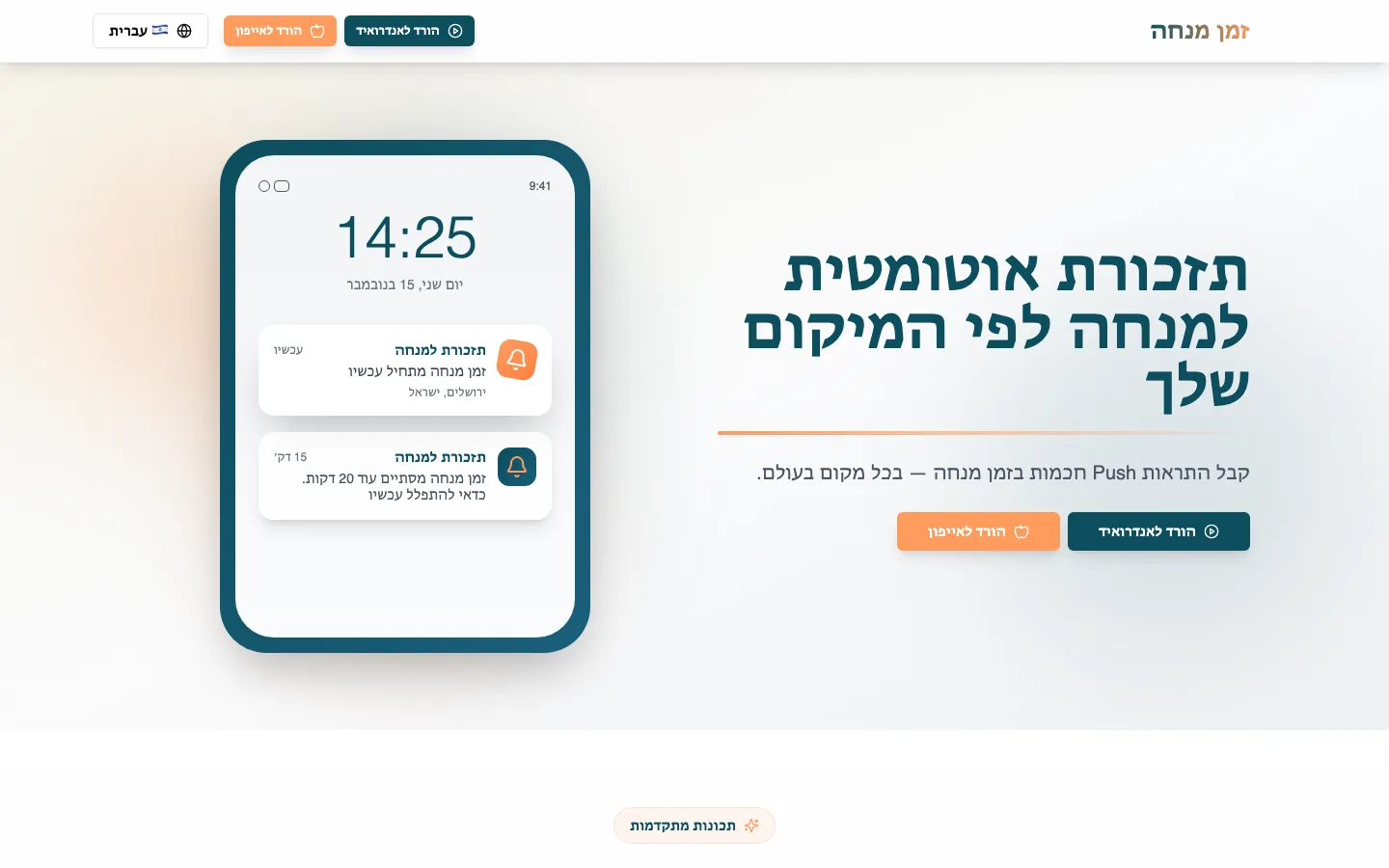 Real build exampleWhy Mincha Time started as a focused web appThe important job was a reliable location-based reminder, so the first version did not need two native apps before the core behavior was proven.Built in about 1 month · live at mincha-time.com
Public consumer app
Consider app store expectations, onboarding, notifications, performance, and platform polish.
Business workflow app
Consider admin tools, permissions, data accuracy, and whether staff can use it from the browser.
MVP
Optimize for learning speed and avoid paying for native complexity before the core flow is proven.
Internal app
A responsive web app or no-code tool may be enough if users are known and distribution is controlled.
The main app development options compared
There is no universal winner. The strongest choice depends on whether the team values one shared codebase, native feel, fast iteration, custom platform features, or low-cost validation.
Expo with React Native
- Best for
- Cross-platform MVPs, business apps, customer apps, and teams that already know React or TypeScript.
- Strengths
- One JavaScript or TypeScript codebase for iOS, Android, and often web; strong tooling; easier setup; useful native modules; good path to app store builds.
- Tradeoffs
- Deep native customization can still require native knowledge, config plugins, or custom development builds.
React Native without Expo
- Best for
- Apps that need more direct control over native projects while still sharing much of the UI and business logic.
- Strengths
- Cross-platform development with closer access to iOS and Android native folders and more control over native dependencies.
- Tradeoffs
- More setup and maintenance work. Teams must manage more of the native project structure themselves.
Flutter
- Best for
- Polished cross-platform apps, custom UI, apps where consistent design across platforms matters, and teams comfortable with Dart.
- Strengths
- Single codebase, strong UI toolkit, predictable rendering, good performance profile, and broad platform support.
- Tradeoffs
- Uses Dart rather than JavaScript or Swift/Kotlin. Apps may need extra care to feel perfectly native on each platform.
SwiftUI for iOS
- Best for
- iPhone, iPad, Apple Watch, Mac, or Apple ecosystem apps where platform quality and Apple-specific features matter.
- Strengths
- Best access to Apple platform capabilities, strong native feel, excellent performance potential, and first-class Apple tooling.
- Tradeoffs
- iOS-focused. Android requires a separate app, team, and codebase unless the product is Apple-only.
Kotlin and Jetpack Compose for Android
- Best for
- Android-first products, device-specific Android work, and apps that need deep integration with Android platform APIs.
- Strengths
- First-class Android development path, native performance, strong platform access, and modern declarative UI.
- Tradeoffs
- Android-focused. iOS requires a separate build unless the team uses a shared multiplatform strategy.
Progressive Web App
- Best for
- App-like browser experiences, internal tools, booking systems, dashboards, and products that need fast distribution.
- Strengths
- No app store approval, one web deployment, works across devices, and can be cheaper to build and maintain.
- Tradeoffs
- Native feature support, push behavior, offline capability, and app store presence may be limited compared with native apps.
No-code or low-code app builders
- Best for
- Prototypes, internal workflows, simple directories, small operational apps, and quick validation.
- Strengths
- Fast setup, lower initial cost, built-in hosting, and easier changes for non-developers.
- Tradeoffs
- Custom logic, performance, data ownership, design control, and long-term flexibility can become limiting.
When cross-platform is the right choice
Cross-platform tools are strongest when the app has mostly shared screens and shared logic across iOS and Android. Booking apps, marketplace MVPs, customer portals, habit trackers, event apps, and internal field tools often fit this pattern. A shared codebase can reduce launch time and make future product changes easier.
Expo with React Native is often the practical default for small teams that already use React or TypeScript. Flutter is a strong alternative when the team wants a highly controlled UI and is comfortable adopting Dart. Both can produce serious production apps, but both still need thoughtful architecture, testing, and release management.
Good cross-platform fit
same core experience on iOS and Android, moderate native integrations, and a need to launch quickly.
Weak cross-platform fit
heavy platform-specific UI, uncommon hardware access, advanced background work, or OS-specific behavior.
When native is worth the extra cost
Native iOS and native Android development make sense when platform quality is central to the product. Examples include health apps, camera-heavy apps, advanced media tools, device integrations, highly polished consumer apps, and products where users expect platform-specific behavior.
The tradeoff is straightforward: native development gives more control and deeper platform alignment, but usually costs more because each platform needs its own implementation and specialized expertise. For some products that cost is justified. For many early products, it is wiser to validate the core workflow before committing to two native builds.
Practical recommendation
For most early-stage customer apps and business apps, start by testing whether a responsive web app or PWA can deliver the outcome. If the app needs app store distribution, push notifications, camera access, or a more native feel, Expo with React Native is often the fastest serious path for a small team. Flutter is also strong when the team wants a custom visual experience and accepts Dart.
Choose native SwiftUI or native Android only when platform-specific quality is a product requirement, not just a preference. Choose no-code when the goal is validation or internal workflow speed, and be honest about when the prototype has outgrown the tool.
Frequently asked questions
How much cheaper is a web app than a native app?
Often meaningfully cheaper, because there is one codebase, one deployment, and no app store review cycle. The saving disappears if the product genuinely needs native capabilities — then a PWA becomes a detour rather than a shortcut. The kind-of-app question in this guide exists to catch that early.
Can I start with a web app and go native later?
Yes, and it is a common path. The backend, data model, and business logic usually carry over; the client is what gets rebuilt. Starting on the web lets you validate the workflow before paying for platform polish.
How long does app store approval take?
Typically days, not weeks, for a well-behaved app — but plan for a rejection or two on the first submission, especially around privacy declarations, sign-in rules, and payment policies. Build the review cycle into the launch timeline instead of discovering it at the end.
What does WizeApps itself build with?
The three live projects on this site run on Vite and React over Base44. Mincha Time's reminder engine is Firebase Cloud Functions, Firestore and FCM; Djob's matching sits on PostgreSQL. Not because those are the best tools for every job — because they are tools we can ship and maintain quickly, which is the real tool question this guide keeps coming back to.
About the author
Ohad Mayrom — Founder, WizeApps
Ohad Mayrom is the founder of WizeApps, where he designs and builds booking systems, client intake flows, internal operations tools, and MVPs for small businesses and early-stage founders. He writes plain-language guides to help non-technical owners commission software with confidence.
Connect on LinkedInKeep reading
Thinking about building this?
Tell us what is not working yet. A few clear examples of the current workflow are enough to start a useful conversation.
Start a conversation