The problem with 'just add a cron job'
A notification that has to fire at a different time for every user, every day, looks simple until the time itself is the hard part. This is a reminder system for halachic prayer times — the exact minute shifts daily with sunset, and sunset is different in every city. A naive version sets one cron job per user per day, which means creating and tearing down thousands of scheduled jobs continuously. That does not scale and is painful to debug when one job silently fails to get created.
The system actually running in production for this does something simpler: a single scheduled function runs every minute, and the question it answers is not "who do I need to notify right now" computed live, but "does a document already exist for this exact minute." The scheduling problem gets pushed into data instead of into infrastructure.
Firestore documents as the schedule
Notification groups are stored as Firestore documents keyed by time, in the shape hour_minute — for example 13_47. A function on a one-minute cron reads the current UTC time, builds that same key, and checks whether a document exists at that path for each active location and notification type. If nothing exists, the function does almost no work and exits. If something exists, it reads the tokens attached to that document and sends.
This turns scheduling into a lookup instead of a live computation. There is no queue product to operate, no per-job bookkeeping, and adding a new location or notification type is just a matter of writing a new document at the right time key — the polling function does not need to know about it in advance.
Group by location, not by person
The naive version of this computes each user's prayer time individually, which means calling an external zmanim API once per user, every day. Instead, users are grouped by rounded latitude and longitude into a shared location bucket. The external API — Hebcal's zmanim endpoint — gets called once per unique location per day, not once per person, and every user in that location subscribes to the same time-bucket document.
This is the same idea as caching, but framed as a scheduling decision rather than a performance afterthought: the expensive external call happens at the coarsest level that is still correct, and everything downstream reads from the cheap, shared result.
Each run schedules its own future
After sending today's notifications for a location and type, the same function call immediately fetches tomorrow's time from the zmanim API and writes a new document at tomorrow's time-bucket key. There is no separate nightly batch job that precomputes a week or a month of schedules in advance — the system advances itself exactly one day at a time, and only for the combinations that were actually active today.
The tradeoff is honest: this system cannot tell you next Tuesday's schedule right now, because it has not been computed yet. For a daily reminder product, that limitation never matters. For a use case where users need to see a future schedule in advance, the same pattern would need a small adjustment — precompute a few days ahead instead of one.
Two independent opt-out flags
Every send checks two separate flags on the user's token record: a permanent disable and a same-day snooze. Keeping them independent — rather than one combined "notifications on/off" toggle — makes a common case easy: a user who wants to skip just today without losing their setup entirely. Both flags are checked in the same place, right before a message goes out, so there is exactly one point in the code where an opt-out can be missed, not several scattered checks that could drift out of sync.
What this pattern is good for, and what it isn't
This approach earns its simplicity from a specific shape of problem: notifications keyed by a predictable, discrete time slot, at a scale where a once-a-minute poll across active documents is cheap. It is a poor fit for sub-minute precision, for schedules that need to be visible far in advance, or for volumes where per-minute polling itself becomes the bottleneck — at that point a real task queue or a managed scheduler product starts earning its operational cost.
For most small and mid-size products with daily or per-slot reminders — appointment reminders, daily digests, recurring check-ins — the time-bucketed document pattern is less infrastructure, fewer moving parts to operate, and easier for one person to fully understand than standing up a dedicated queue.
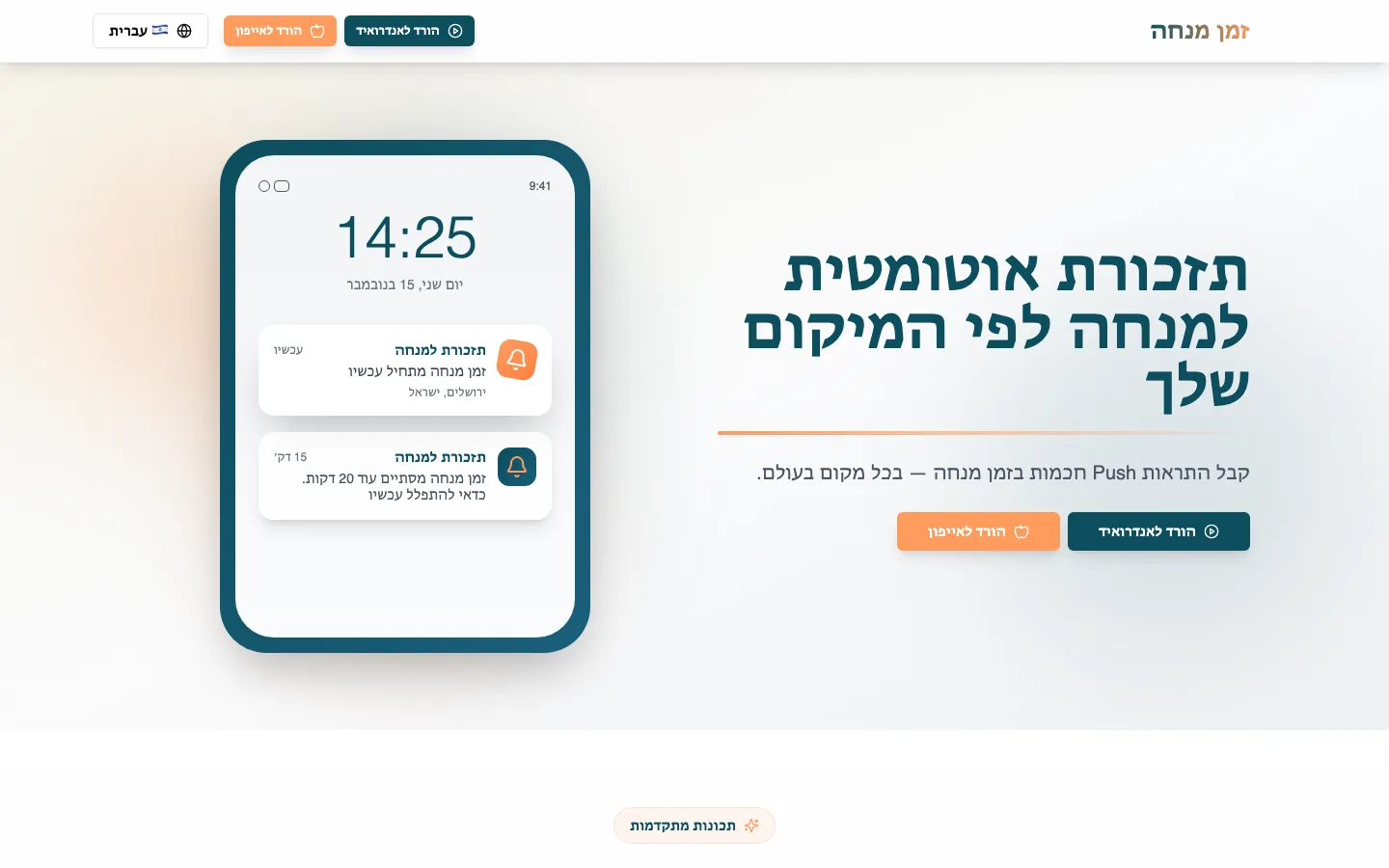 Real build exampleSee the full Mincha Time build teardownThis scheduling engine is the backend behind a real, live multilingual reminder product — decisions, what shipped, and what we'd improve next time.Built in about 1 month · live at mincha-time.com
Frequently asked questions
Why not just use Cloud Tasks or a real queue product?
You can, and at higher volume or with more complex scheduling needs, you should. For a scheduled-time notification with a predictable slot, a managed queue adds an operational dependency without solving a problem the document-lookup pattern doesn't already solve more simply. Reach for a queue when you need retries with backoff, priority ordering, or per-job observability that a simple existence check can't give you.
Does polling every minute waste resources?
At small-to-medium scale, a once-a-minute function that mostly does nothing is cheap on any serverless platform's free or low usage tiers. It becomes worth reconsidering once the number of active locations or notification types is large enough that the per-minute check itself takes meaningful time or cost — a scaling question, not a correctness one.
How do you handle a user who changes location mid-day?
The location grouping is read fresh each time a schedule is written forward, so a user who moves gets regrouped into whichever location bucket they belong to the next time their notification type is recalculated — normally the next day's write. It is not instantaneous, which is an acceptable tradeoff for a daily reminder product.
About the author
Ohad Mayrom — Founder, WizeApps
Ohad Mayrom is the founder of WizeApps, where he designs and builds booking systems, client intake flows, internal operations tools, and MVPs for small businesses and early-stage founders. He writes plain-language guides to help non-technical owners commission software with confidence.
Connect on LinkedInKeep reading
Thinking about building this?
Tell us what is not working yet. A few clear examples of the current workflow are enough to start a useful conversation.
Start a conversation